Frequently Asked Questions
Find answers to your questions about Heymaty
How do I sign up on Heymaty?
To sign up, simply click the Sign Up button on the top right of the website. You can register using your email or Google account. Once you've signed up, you'll be able to create your profile and start exploring!
How can I create my profile on Heymaty?
After signing up, you'll be guided through an easy step-by-step process to complete your profile. You can add a profile picture, write a short bio, and choose your preferences to get started.
What features does Heymaty offer?
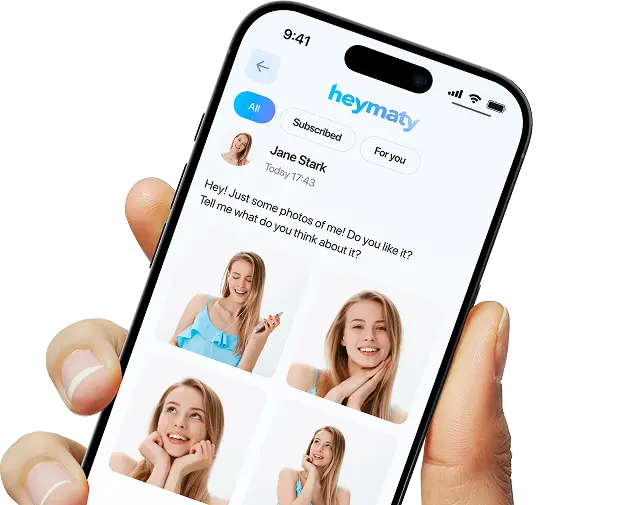
Heymaty allows you to connect with creators, chat securely, and meet new people globally. Some key features include private messaging, content sharing, and customizable profiles.
Can I message creators directly?
Yes, once you’ve set up your profile, you can start messaging creators directly through the platform. Simply search for creators you’re interested in and start a conversation!
How can I change my password?
To change your password, go to your Settings. You will need to enter your current password, then set a new one.
Can I use Heymaty on both my phone and computer?
Yes! You can use Heymaty on both the mobile app (iOS and Android) and the web version from your computer. Simply log in to your account on any device.
Is Heymaty available in my country?
Heymaty is available worldwide. You can download the app or access the website from most countries. If you're unsure, check the app store in your region or contact our support team for more information.
Ready to Begin?
Don't wait on the sidelines — download Heymaty now. Create your profile, join the conversation, and enjoy.
Heymaty is your unique opportunity and a tool that keeps things simple. The next step is yours — take it today.